
Why Agents Matter
Agents provide the blueprint for your AI system’s behavior:| Benefit | Description |
|---|---|
| Clear Capabilities | Define exactly what your agent can do, preventing scope creep |
| Boundary Enforcement | Set explicit constraints to ensure safe, compliant behavior |
| Reusability | Create once, use across multiple simulation datasets |
| Version Control | Track agent definition changes over time as capabilities evolve |
Agents Dashboard
Navigate to Evaluation → Agents from the left navigation panel to access your agents.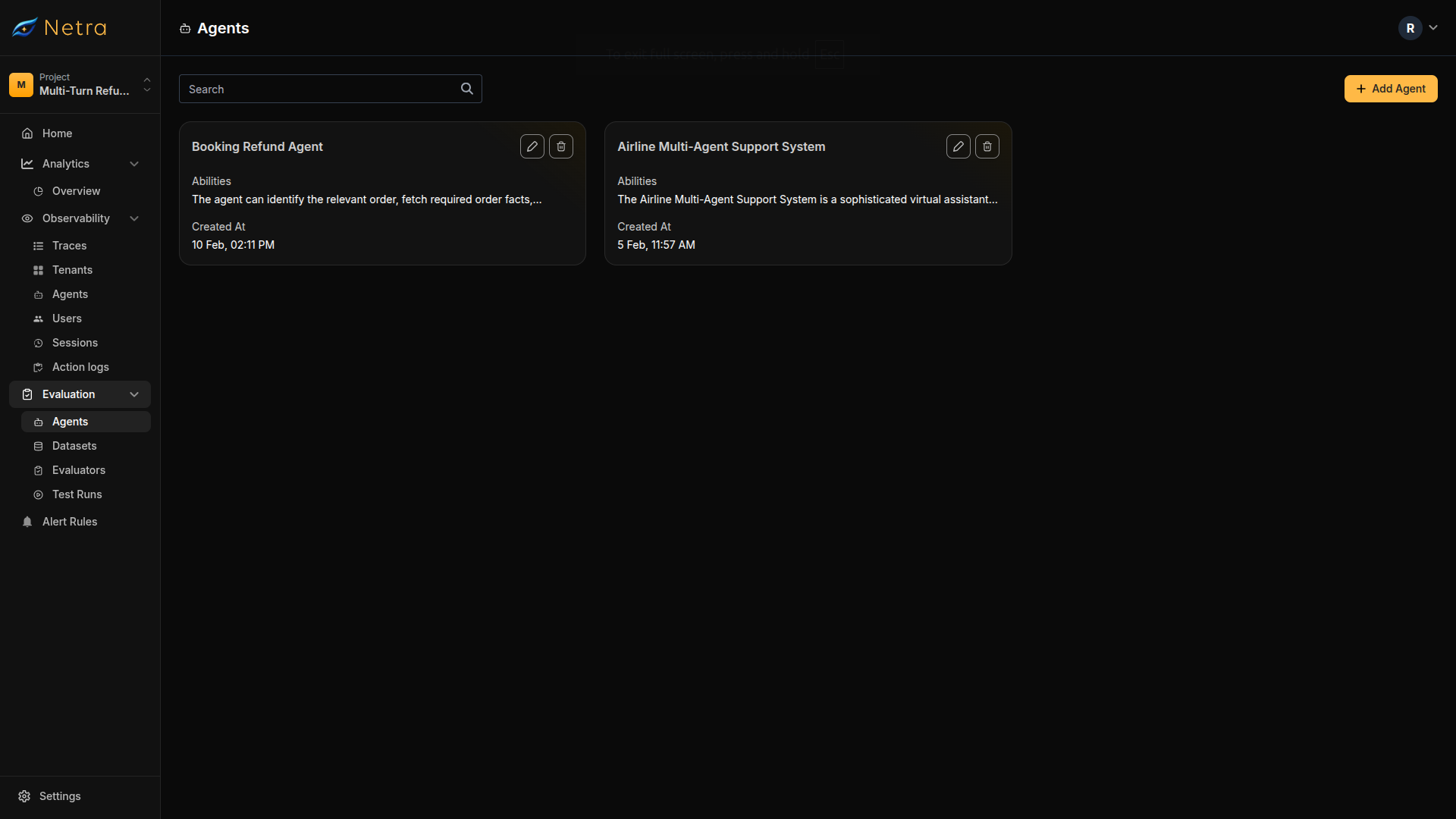
| Column | Description |
|---|---|
| Agent Name | Unique identifier for the agent |
| Created At | Timestamp for version tracking |
| Actions | Quick access to edit or delete agents |
Creating an Agent
Click the Create Agent button in the top right corner of the Agents page.Name Your Agent
Provide a descriptive name that identifies what this agent does.Example: “Customer Support Agent” or “Technical Documentation Assistant”
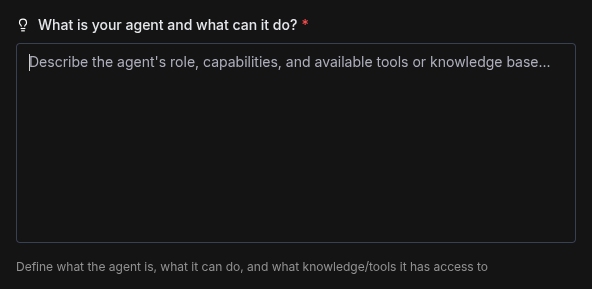
Define Abilities
Describe what your agent can do. This should include:
- Role: What is the agent’s primary function?
- Capabilities: What tasks can it perform?
- Tools: What external tools or APIs can it access?
-
Knowledge: What information does it have access to?
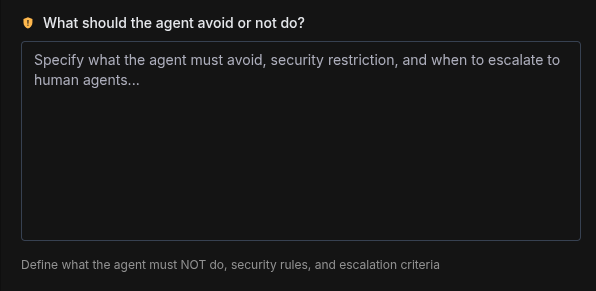
Define Constraints
Specify what your agent should NOT do. This is optional but highly recommended for safety and compliance.Constraints should include:
- Security restrictions: What information should never be shared?
- Scope limitations: What topics are out of bounds?
- Escalation criteria: When should the agent defer to humans?
-
Compliance requirements: What regulatory boundaries must be respected?
Best Practices
Writing Effective Abilities
- Be specific: “Process refunds up to $100” is better than “Handle refunds”
- Include context: Mention available tools, knowledge bases, and data access
- Use clear language: Write as if you’re briefing a human agent
- Group related capabilities: Organize abilities into logical sections (information access, actions, escalation)
Writing Effective Constraints
- Start with “must NOT”: Make prohibitions explicit and unambiguous
- Provide escalation criteria: Define when to defer to humans or other systems
- Include regulatory requirements: Call out compliance boundaries (PII, medical advice, financial regulations)
- Include edge cases: Think about what could go wrong and prevent it proactively
Organizing Agents
- Use descriptive names: “Refund Support Agent” is clearer than “Agent 1”
- Create specialized agents: Multiple focused agents are better than one overly broad agent
- Document changes: When updating abilities or constraints, note what changed and why
- Test regularly: Run simulations after updating agents to verify behavior changes
Using Agents in Simulations
Once created, agents become available when building datasets:- Create or edit a multi-turn dataset
- In the scenario configuration step, select your agent
- The agent’s abilities and constraints will be used to guide its behavior during simulations
- Run simulations and view how your agent performs in Test Runs
Example Agent Configurations
Customer Support Agent
Abilities:Technical Documentation Assistant
Abilities:Related
- Simulation Overview - Understand the full simulation framework
- Datasets - Create scenarios that use your agents
- Test Runs - View simulation results and agent performance
- Evaluators - Configure scoring logic for agent behavior