
Viewing Users
Access the Users view from Observability → Users in the Netra dashboard.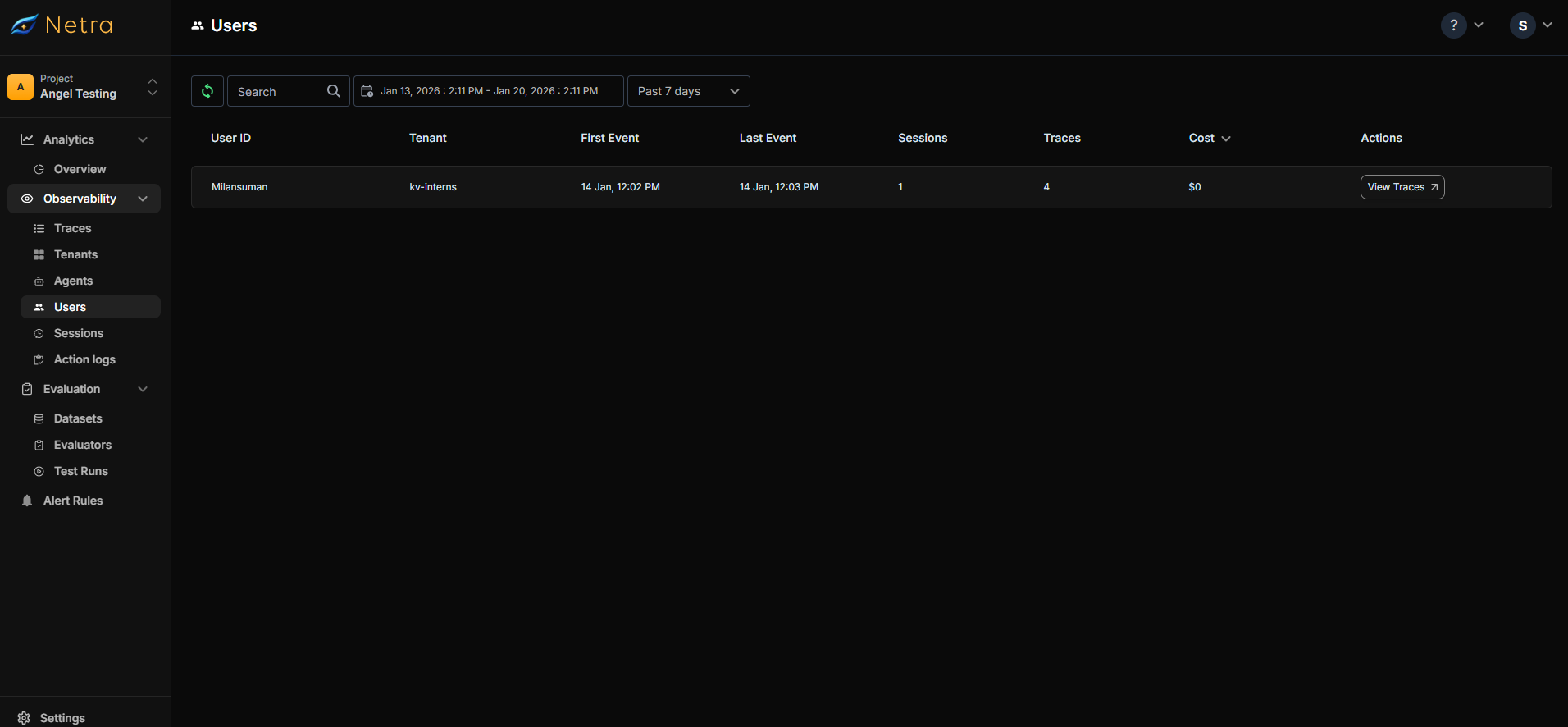
User Actions
Each user entry provides:- View Traces - Opens the Traces view filtered to this user, showing all their requests and executions
Configuring User Tracking
User tracking is configured by callingsetUserId() in your application code. Once set, all subsequent traces will be associated with that user.
Setting the User ID
CallsetUserId() after initializing Netra and when you know the user’s identity (e.g., after authentication):
User ID in Web Frameworks
For web applications, set the user ID in your request middleware:Combining with Tenant and Session
For multi-tenant applications, combine user tracking with tenant and session IDs:User Context Methods
Use Cases
Per-User Cost Analysis
Track costs incurred by each user to understand usage patterns and implement usage-based billing:- Navigate to Observability → Users
- Sort by Total Cost to find highest-cost users
- Click View Traces to understand their usage patterns
Debugging User-Specific Issues
When a user reports an issue:- Search for the user by their ID
- Click View Traces to see their recent activity
- Identify failed or slow traces
- Drill into specific traces to debug
User Activity Monitoring
Track user engagement with your AI features:- Sessions count - How often users return
- Traces count - How much they use AI features
- Last interaction - When they were last active
Best Practices
- Use stable user IDs - Use your application’s user ID, not ephemeral session tokens
-
Set user ID early - Call
setUserId()as soon as authentication completes - Handle anonymous users - For unauthenticated users, consider using a consistent anonymous ID or skip user tracking
- Combine with sessions - Use session IDs to group related traces within a user’s activity
- Add relevant attributes - Include user plan, region, or other attributes useful for analysis
Privacy Considerations
- User IDs are stored in Netra and appear in the dashboard
- Avoid using PII (email, name) as user IDs—use opaque identifiers instead
- Consider your data retention requirements when storing user activity
Next Steps
- Sessions - Group user interactions into sessions
- Tenants - Multi-tenant user organization
- Traces Overview - Understanding trace data